
Quick Answer
Start with a simple loop: capture what mattered in client work, rewrite it into clear prompts, and review before it fades. Use the article’s Capture -> Synthesis -> Conversion flow, then run the 15-minute daily review so proposal promises, rejected options, and compliance caveats stay retrievable. Keep cards tied to a real client or project, not textbook definitions. If a prompt keeps failing, flag it, move on, and clean it up later so your queue stays usable.
Why 'Studying' is a Flawed Model for Professionals (And What to Do Instead)#
If your expertise is what clients pay for, memory is not a side issue. It is part of delivery. When recall slips, the impact can show up in work quality, speed, and how confident you sound when a client asks for an answer on the spot.
The Forgetting Curve is a useful label for a simple reality: information you do not revisit can get harder to retrieve when you need it. In professional work, that usually means details that were once clear and then went dormant. Think about a proposal promise you made three weeks ago, the reason a client rejected option B during discovery, a compliance caveat you meant to carry into execution, or a project decision buried in email.
When you have to dig back through notes, ask someone to repeat themselves, or soften your answer with "let me check," that is retrieval friction in a business context.
What breaks first when recall fails#
The pattern is fairly predictable. Rework often lands first: rereading documents, rebuilding context, or retracing a decision path you already had. Then execution slows because uncertain details add hesitation. After that, recommendations can drift. Two similar clients may get different guidance simply because one detail was easy to retrieve and the other was not. The last layer is confidence drag in meetings. Even when you know the domain well, patchy recall can make you sound less certain than your actual competence.
A useful checkpoint is your last three to five client engagements. Mark every place where you had to reopen old notes, resend a clarification, or correct something that had already been discussed. That tells you whether the problem is retrieval, weak understanding, or poor capture. The distinction matters, because retrieval methods help most when retrieval is the bottleneck.
| Approach | Objective | Workflow | Failure mode | Business outcome |
|---|---|---|---|---|
| Passive studying | Feel prepared | Re-read notes, highlight, skim saved resources before a task | Familiarity can get mistaken for real recall | You may feel ready until a live client moment exposes gaps |
| Operational learning system | Make critical knowledge retrievable during work | Capture decisions, turn key points into prompts, review them before they fade, update after use | Breaks if you review inconsistently or memorize fragments without context | Intended to keep key details retrievable during delivery, instead of relying on last-minute rereads |
Still, this needs a reality check. Active recall and spaced repetition do not work well for many people when used on their own. If your problem is poor understanding rather than retrieval, retrieval-focused methods can underperform. Consistency and motivation can also break execution even when you know the method. And card-based review can miss the big picture, which matters when your work depends on judgment, sequencing, and nuance.
So the replacement for "studying" is not more rereading. It is a repeatable practice that makes important knowledge easier to retrieve in real work. The next section turns that shift into a practical model.
If you want a deeper dive, read GDPR for Freelancers: A Step-by-Step Compliance Checklist for EU Clients.
The Core Shift: From Academic Cramming to Professional Compounding#
If you need reliable recall in real client work, cramming is the wrong model. Your target is not short-term memory before a deadline, but usable recall during discovery calls, proposal writing, delivery decisions, and compliance-sensitive tasks.
Forgetting is front-loaded: you lose the most soon after learning, then the rate slows. The clearest numbers here come from exam-style contexts, not direct workplace field trials, so treat them as directional, not guaranteed business results. Even so, the pattern is clear: one comparison reports 24-hour retention of 40% for cramming vs 95% for spaced review, and 1-month retention of 8% vs 80%. If you need information beyond a week, that same source calls cramming objectively wasteful.
What changes in practice#
This shift is operational: from one intense review burst to lighter reviews spaced over time. As mastery improves, review intervals get longer, which is where compounding comes from.
- Track decay risk, not just importance. Flag details that must survive time gaps: client constraints, decision rationale, proposal promises, recurring objections, and key procedures.
- Switch to spaced repetition for learning. Review key material before it fades, then at longer intervals, instead of waiting for the next deadline.
- Use active recall. Before checking notes, answer from memory: what changed, what was rejected, and what is non-negotiable.
- Convert daily work into reusable assets. Turn raw notes into prompts, checklists, or decision records you can review quickly later.
A practical checkpoint: before drafting a proposal, write the client goal, core constraint, buying trigger, and delivery risk from memory. What you miss is usually a retrieval gap, not a note-taking gap.
Where this breaks#
A common failure mode is leaving everything in raw form: long transcripts, buried chat threads, and documents you plan to "look up later." That increases rework and hides what actually needs review.
There is also a tradeoff. If you reduce complex work to isolated prompts, you can remember fragments but lose context. Keep each prompt tied to the original case so you train judgment, not trivia.
| Dimension | Cramming model | Professional compounding model |
|---|---|---|
| Trigger | Upcoming visible event, often last minute | Decay risk after real work |
| Review pattern | One massed block | Short reviews spaced over time |
| Maintenance effort | Low until urgent, then heavy | Light but ongoing |
| Failure mode | Fast forgetting; familiarity mistaken for recall | Fragmented recall if prompts lose context |
| Business impact | Rework, slower responses, uneven recommendations | More reliable recall, steadier execution, less note-hunting |
Decision rule: if you will need a piece of knowledge again after a delay, do not leave it in raw notes and do not rely on a pre-deadline refresh. Capture it, test recall, and revisit it before it fades.
You might also find this useful: The 'Forgetting Curve' and how to combat it with a 'Second Brain'.
The Workflow: How to Build Your Knowledge Asset Pipeline#
Use a simple three-stage flow, every workday: Capture -> Synthesis -> Conversion. Keep only material you can reuse to explain, decide, or act, then move it forward; discard the rest.
Keep friction low by assigning one tool to each role: a reader/highlighter, a searchable notes hub, and an SRS. If they integrate, use that. If automation breaks, keep moving with a manual fallback: export highlights, import or paste into your notes hub, and batch-convert later.
Capture#
Capture selectively, not exhaustively. Skill learning creates fragments (notes, links, bookmarks, examples, mental models), so your filter is the system.
| Item | Action |
|---|---|
| A decision rule | Keep |
| A step-by-step procedure | Keep |
| A recurring pitfall | Keep |
| A repeat objection pattern | Keep |
| A setup step you will reuse | Keep |
| Only interesting | Discard |
| Easy to re-find | Discard |
| Too vague to act on | Discard |
Keep items that support future execution. Discard items that are only interesting, easy to re-find, or too vague to act on.
Checkpoint before moving on: each kept item has tags, difficulty, date learned, and a source link, with tags tied to real context (client, project, topic).
Synthesis#
Synthesis turns fragments into usable assets. Rewrite each kept item in plain language and place it in a topic page or lightweight index so it has clear context.
| Component | What it captures |
|---|---|
| Concept | Core idea in one sentence |
| Decision trigger | Condition that tells you to use it |
| Scenario | Realistic case where it appears |
| Common mistake | What gets skipped or misread |
| Next action | Immediate step after you spot it |
Each synthesized note should answer two questions:
- What does this mean?
- What should I do with it?
Include procedures, not only definitions. A practical structure is a topic page with sub-sections for setup, examples, pitfalls, and source links.
Use that framework to turn complex material into review-ready prompts. If a note cannot produce one of these, keep refining it before conversion.
Conversion#
Convert only notes that pass synthesis. Manual card creation works, but a structured handoff from notes to SRS is usually more consistent over time.
| Criteria | Manual card creation | Integrated pipeline |
|---|---|---|
| Setup burden | Lower at the start | Higher upfront (you design structure and handoff) |
| Consistency risk | Higher (quality varies by day) | Lower (same note format feeds review) |
| Review readiness | Slower (one-by-one card writing) | Faster once notes are structured |
| Maintenance overhead | Light initially, easy to drift | Ongoing, but easier to sustain with clean tags/source links |
The tradeoff is straightforward: integrated systems cost more upfront design, then pay back through reuse and fewer restarts. In either model, ensure each card links back to its source note and client/project context so review supports real delivery decisions.
Related: How to Manage Your Time Effectively as a Freelancer.
The Keystone Habit: The 15-Minute Daily Review#
Your system compounds only if you review what it produces, so treat this as a daily operating ritual, not optional study time. The goal is simple: keep important knowledge usable without restarting from old notes every time.
| Protocol | Action |
|---|---|
| Minimum viable review | Run a 10-minute pass and clear the most due items first |
| Backlog triage | Prioritize cards tied to active projects, current clients, and repeatedly missed prompts |
| Restart rule | If you miss a day or a few, resume with today's due cards instead of reorganizing everything |
Trust the schedule. When cards are due, clear them by answering from memory first, then check and correct. If possible, answer out loud to expose weak recall quickly.
Keep review focused on retrieval, not deck maintenance. If a card keeps failing or needs more than a brief response, flag it and move on, then clean it up in a separate pass.
When this stays consistent, the gains are practical: you can explain ideas more cleanly in client conversations, synthesize faster, and rely less on reopening old material just to recover context. Confidence shows up as steadier recommendations under pressure, not just a better feeling.
Busy weeks are where this habit usually slips, so fall back to that lightweight protocol.
The main failure mode is passive review that feels productive. Retrieval is harder than rereading, and that effort is the part that strengthens memory.
We covered this in detail in A Guide to the Lifetime Learning Credit for Freelancers.
Choosing Your Tools: The Professional Knowledge Stack#
Your tool choice is a workflow decision, not a "best app" contest. Choose the stack that makes capture, card creation, and review feel like one short, reliable path.
Use this shortlist rubric before you commit:
- Integration depth: how easily notes become cards without extra copying.
- Cross-device reliability: whether review stays smooth across desktop and mobile.
- Setup and maintenance burden: how much tinkering you must sustain each week.
- Real-work fit: whether it supports your actual material and schedule.
Run one live round trip before deciding: capture one desktop note, turn it into 10 cards, review some on mobile with connectivity off, then sync and confirm text, media, and scheduling still hold together. If this feels brittle now, it usually fails first during a busy client week.
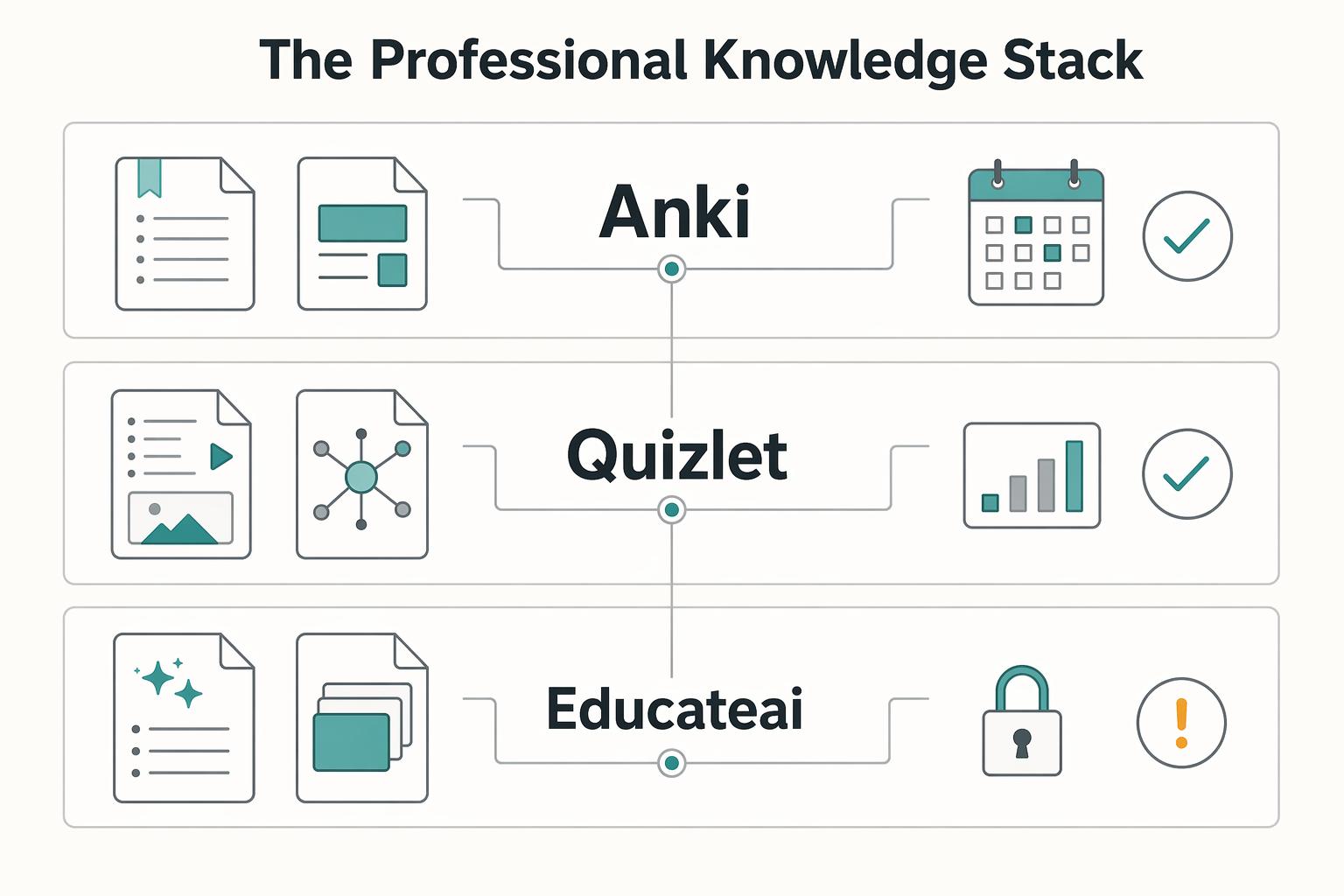
Anki remains the power-user benchmark: it is open-source, highly customizable, and can use FSRS, which adapts review timing to your memory patterns. That still does not make it universal. If you want deep control and custom note types, it is a strong fit; if you need lower setup overhead and faster onboarding, a more guided tool can get you to daily use sooner.
| Option | Automation flexibility | Offline resilience | Migration and lock-in check | Best fit |
|---|---|---|---|---|
| Anki | High; AI card generation via add-ons and extensive customization. | Full offline mode. | Lower single-vendor dependence in principle because it is open-source, but current export/media/add-on dependency checks are still required. AnkiMobile iOS is listed at $24.99 one-time. | You want maximum control and accept setup time. |
| Quizlet | Lower flexibility; AI card generation listed as limited. | Offline mode is Plus only. Free tier limits shown: 5 Learn rounds and 1 practice test per set, with ads. | Current export and premium-dependency checks are required before long-term use. | You want fast start and can work within plan limits. |
| EducateAI | Built-in AI card generation from PDFs. | Partial offline support. | Current export/import/portability checks are required before scaling a large library. | You want quicker card creation with less tinkering. |
If you are overloaded, start simple and scale later: one capture tool, one review tool, two weeks. The common failure mode is building a clever stack before you know what you truly need to remember.
Feature choice matters when your work is not just fact recall. Use cloze cards for client frameworks, process sequences, and policy checklists (for example: "The second approval step is ___" or "Under this policy, the reporting threshold is ___; verify the current policy source before using the answer."). Use image occlusion when you need to recall process maps, annotated screenshots, org charts, or checklist diagrams. Since support differs by tool, verify that capability before committing.
For a step-by-step walkthrough, see A guide to 'Ultralearning' for busy professionals.
Conclusion: Capture, Review, and Prune Knowledge From Real Work#
You may not need a bigger study plan. You need a small operating habit that keeps useful knowledge available when work gets busy. That shift can mean less cognitive drag, fewer blank moments on the spot, and better recall when you are in a client call, shaping a proposal, or making a delivery decision with limited time.
For independent professionals, the payoff is practical. You may spend less time reopening old briefs to remember your own reasoning. You are more likely to catch scope risks before they get written into a proposal, answer client questions without stalling, and avoid repeating the same delivery mistake because the rule or red flag stayed in rotation instead of disappearing into notes.
A workable minimum can look like this: capture what mattered, review it briefly, then clean it up on a regular loop. Capture only decisions, criteria, sequences, and failure points from real work. Review on a steady cadence (daily for many people) so those items are less likely to fade. Then do a periodic cleanup to delete weak cards, merge duplicates, and remove trivia that adds review load without helping you work.
That turns the shift into behavior:
- From rereading everything before a call to reviewing the few questions that actually change your recommendation.
- From rebuilding proposal logic from scratch to capturing pricing assumptions, scope boundaries, and red flags right after the work.
- From carrying a messy backlog to pruning stale material so your reviews stay usable.
One warning matters here: if your setup becomes another place where errors and clutter accumulate, simplify it. The next step is small and immediate. Take one recent project, write 5 to 10 recall prompts from it, review them tomorrow, and keep only the ones that would prevent hesitation or rework next week. That is how this starts paying off in the work itself.
This pairs well with our guide on A guide to 'Growth Mindset' for freelancers.
Frequently Asked Questions
How do you use this for complex business concepts?
Break the concept into decisions, signals, and failure points you actually face in work. If you are learning a client framework, make separate cards for things like “What would make this option a bad fit?” or “Which metric would change the recommendation?” Good execution means you can answer with a live project example. If a card only asks for a textbook definition, it is usually too vague.
What is the fastest way to learn a new professional skill without forgetting it next month?
Pair practice with recall on the same day. Do one real task first, then turn the rules, commands, or judgment calls you used into cards, and review them again within Hour 24 to 30 rather than waiting for a weekend cram. A simple starting cadence is Day 1, 3, 7, and 14, then adjust based on your actual calendar.
How should you create cards from articles, books, or meeting notes?
Capture only what is likely to matter again: a rule, a decision criterion, a sequence, or a sharp example. Rewrite each item in your own words, make it answerable as right or wrong, and check that one card tests one idea. The common failure mode is importing raw highlights and calling that learning. Repeated exposure is weaker than recall and application.
Which tool setup should you choose?
Pick the lightest option you will actually use consistently, then add complexity later. Practical options include flashcards (paper or basic app) and SRS apps such as Quizlet, Remnote, or Anki. Before you commit, test one full loop: capture one note, make a few cards, review later, and confirm you can still find or export the material if your setup changes. | Option type | Best fit | | --- | --- | | Simple flashcards, paper or basic app | You want to prove the habit first | | SRS app (for example Quizlet, Remnote, or Anki) | You want reviews spaced automatically |
Is this better than cramming for corporate training or certifications?
Usually, yes, if you care about recall after the exam or training week. Shorter sessions spaced over time are described as more effective than one big cram session, so start right after a new module and keep going even if your schedule slips. If you miss the exact plan, do not quit. Some review is still better than none.
How much time should you expect per day?
Do not anchor on a hard promise, because card quality, backlog size, and current project load all change the number. Start with one daily review block, track it for two weeks, and use a planning placeholder only if you need one. Good execution looks like keeping due reviews under control most days and not adding cards faster than you can review them.
Try a related tool
Researched and edited by the Gruv editorial team. Gruv builds cross-border billing, payouts, and finance-operations software for global businesses.
Sources
Includes 6 external sources outside the trusted-domain allowlist.
- thrive.arizona.edu/news/adding-spaced-repetition-your-study-too...trusted
- academia.stackexchange.com/questions/211203/why-dont-professors-seem-to...external
- khanacademy.org/science/learn-to-learn/x141050afa14cfed3:lea...external
- lifehack.org/851026/spaced-repetitionexternal
- retrievalpractice.org/strategies/optimal-spacingexternal
- tegaru.app/en/blog/spaced-repetition-vs-crammingexternal
- thecleverloop.net/spaced-repetition-systems-the-ultimate-tool-...external
Educational content only. Not legal, tax, or financial advice.
Related Posts

GDPR Compliance Checklist for Freelancers Working With EU Clients
Start by separating the decisions you are actually making. For a workable **GDPR setup**, run three distinct tracks and record each one in writing before the first invoice goes out: VAT treatment, GDPR scope and role, and daily privacy operations.
How to Manage Your Time Effectively as a Freelancer
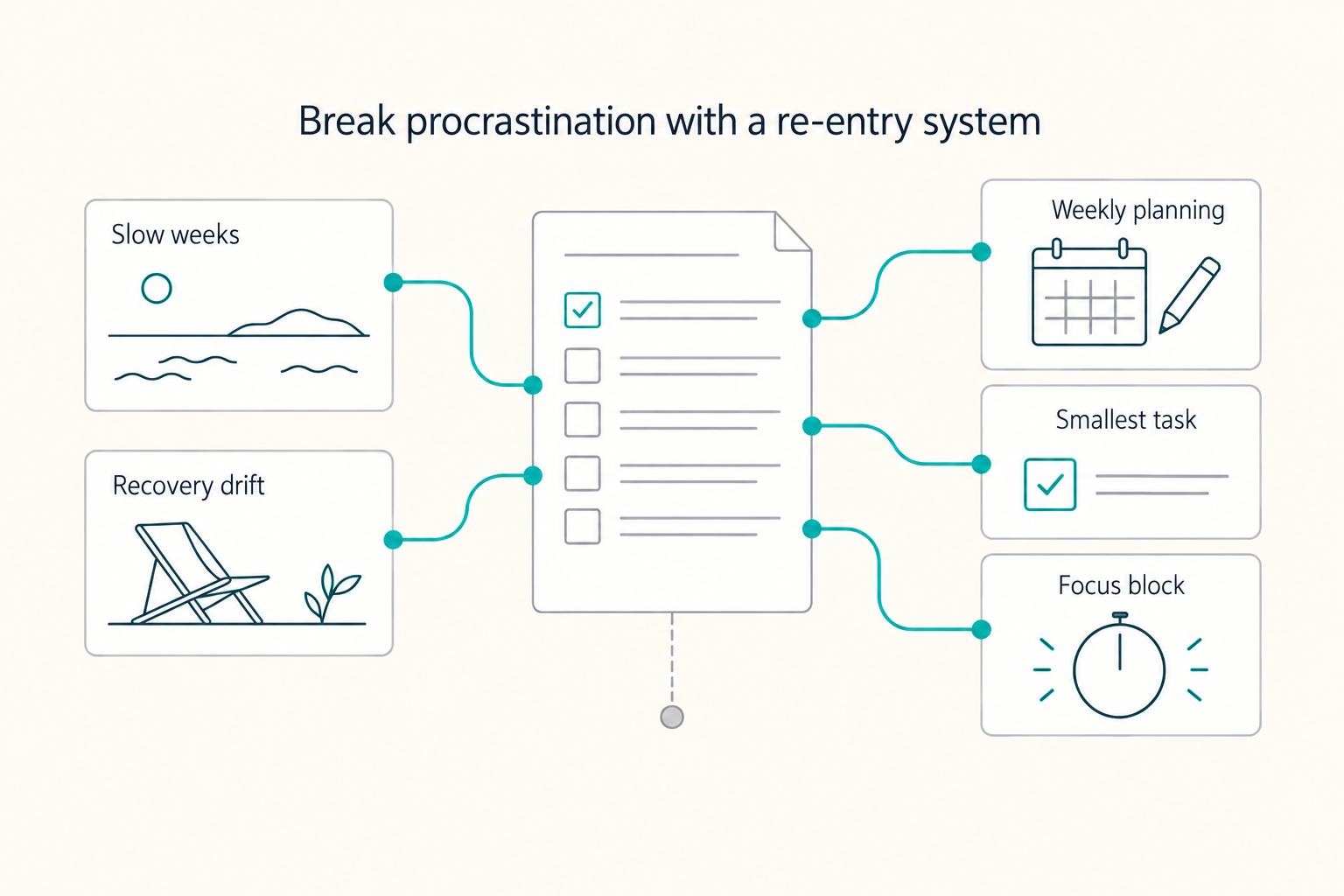
Most freelancers struggle not because they work too few hours, but because they misallocate the hours they have—treating time as an infinite resource rather than a finite business asset with a real cost per unit. The solution is a three-layer operating system: a Time Budget Framework that commits hours to four categories before any client work is booked, a Weekly Operating Template that assigns those categories to specific calendar windows, and a monthly Admin Audit Checklist that reconciles invoicing, bookkeeping, and compliance records. Multi-client orchestration requires a WIP limit, dedicated client windows, and a capacity decision rule run before accepting new engagements. Together, these systems replace reactive decision-making with a repeatable structure that keeps delivery quality consistent, records audit-ready, and the freelance practice operationally durable.
The Forgetting Curve and How to Combat It With a Second Brain
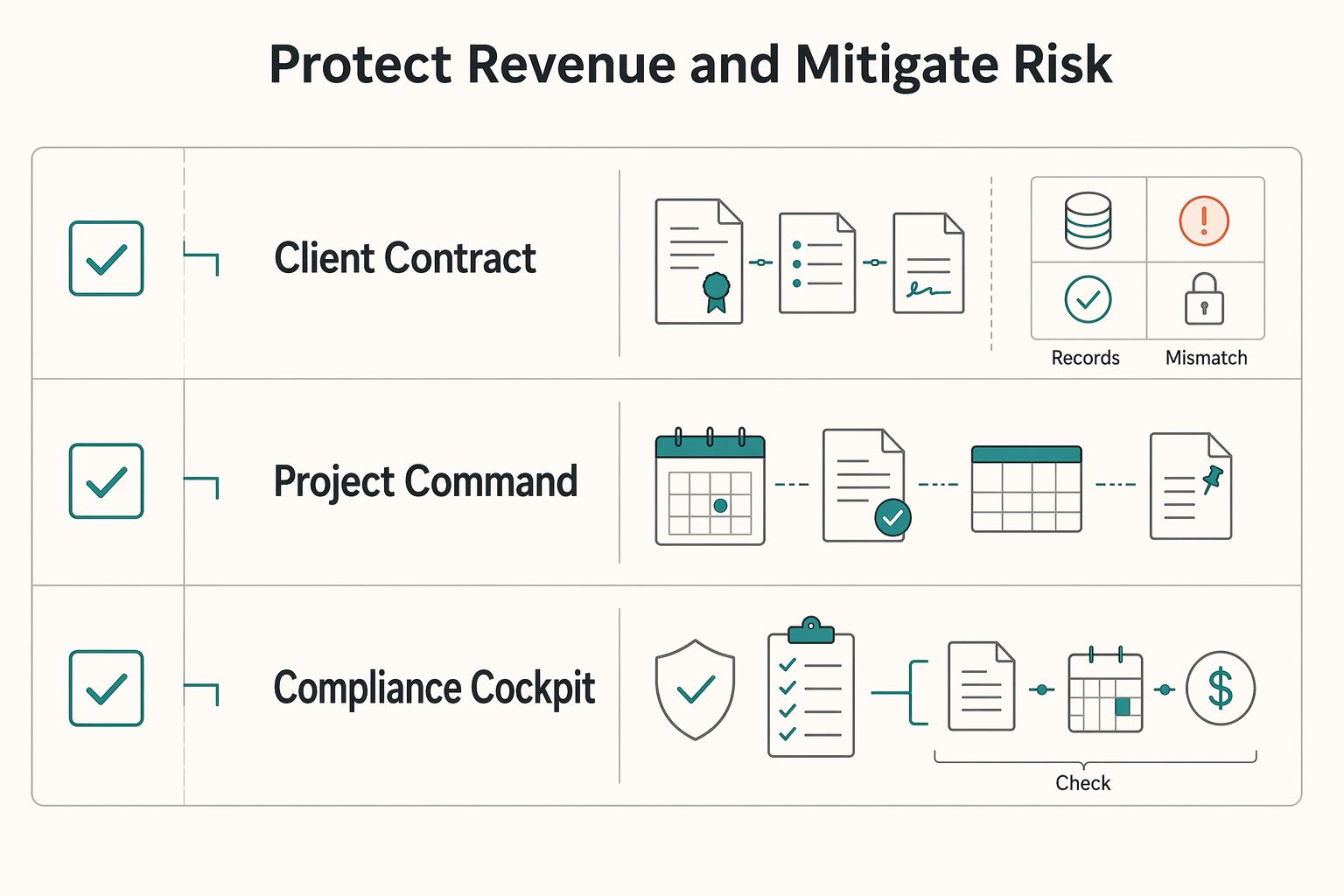
If you work independently, memory lapses are not just annoying. They can show up as missed requirements, duplicate work, scope disputes, and uneven delivery that may reduce client trust over time.