
Quick Answer
Yes. To get permits for popular hikes reliably, pick the permit class first, confirm the issuing authority on the live page, and submit through the channel that page names. Then keep a real fallback date or route active before permit day. The article shows why details matter: Mount San Jacinto has different rules for Day Use Wilderness Permit and Wilderness Camping Permit, including a $5.00 per person camping fee and an 8-week advance window, while many other routes route through Recreation.gov.
You can get these permits without guesswork if you plan backward from your hike date#
You can take most of the chaos out of this process if you stop treating the permit as the last booking step and start with the hike date. For high-demand trips, the real job is not just to chase a famous trail. It is to decide early what permit class applies, when that request opens, and what you will do if your first choice does not come through.
That mindset matters because competitive wilderness permits can trip up even experienced hikers. At popular destinations, demand may be higher than people expect, so a first attempt might not work. If your whole trip depends on one exact trail and one exact day, one miss can unravel lodging, flights, and time off.
The practical answer is to plan two trips at once: your primary hike and a fallback you would actually enjoy. That does not mean settling for a random substitute. It means choosing a backup date, route, or nearby objective before the application window opens. Then you can switch immediately if inventory disappears, a lottery does not go your way, or an application gets kicked back for something fixable.
This guide is built to help you:
- Identify the correct permit class for your trip
- Map the opening window and submission channel
- Submit with the right details the first time
- Keep one realistic backup option live until you have confirmation
Before you touch any application form, verify three things on the live agency page for your exact hike or trailhead: the issuing authority, the permit type, and the release method. Those details sound basic, but that is where many mistakes start. A famous hike name is not enough. Requirements can vary by park, forest, route, and whether you are planning day use or an overnight wilderness trip.
That is the scope of this guide. There is no single rulebook for every trail in the US. Different agencies can use different windows, channels, and confirmation methods. What works is a repeatable set of habits: check the official source, match your trip to the right permit class, note the opening date, and keep proof of what you submitted.
If you take only one rule from this section, use this: do not build your fallback after a denial or sellout. Build it before permit day. That one habit turns permit uncertainty from a trip-ending problem into a planning problem you can manage.
For another step-by-step planning example, see How to get a 'police clearance certificate' from the FBI for a foreign visa.
Start by choosing the right permit type for your trip#
Start with permit type, not the application site, because the wrong permit class sends you into the wrong process.
| Permit type | Use for | Note |
|---|---|---|
| Day-use permit | same-day hiking access | Confirm it on the current official agency page for your exact itinerary |
| Overnight wilderness permit | any trip where you sleep in the backcountry | If you are sleeping out, treat the trip as an overnight wilderness case even if the route is famous as a day hike |
| PCT long-distance permit | a separate long-route category | Only use it if official PCTA guidance says your route qualifies |
Use that split first.
If you are sleeping out, treat the trip as an overnight wilderness case even if the route is famous as a day hike. Mt. Whitney shows why: the Whitney Zone separates day-hike and overnight permits, and wilderness permits are required year-round. For Whitney specifically, the cited lottery window is February 1 to March 15, with strict hiker limits May 1 to November 1.
Before you submit anything, confirm three items on the current official agency page, preferably a .gov source when available:
- permit class for your exact itinerary
- issuing authority
- release method (for example, lottery vs direct reservation)
Be careful with lookalike route names and overlapping jurisdictions, including San Jacinto naming and John Muir Trail overlap, because bad assumptions here cause most misfilings. Related: The Best Digital Nomad Cities for Outdoor Enthusiasts.
Compare permit paths for the hikes people actually target#
Use this table as a routing check, not a promise of current rules: confirm who controls the permit, where that authority tells you to apply, and what backup path is explicitly posted.
Recreation.gov is an official U.S. government permits channel, but it is not automatically the right channel for every route. If an official land-manager page conflicts with a third-party summary, follow the official page and verify that you are on the correct secure .gov site (https:// and lock icon) when applicable.
| Hike or route | Permit class | Issuing authority | Primary channel | Quota pressure | Fallback channel | Verify before applying |
|---|---|---|---|---|---|---|
| Half Dome | Confirm on official page | Confirm on official page | Official route page, then linked booking page | Treat as high demand until confirmed otherwise | Officially posted alternate release/cancellation path, or alternate date/route | Match hike name, trip type, and booking link on the same live official page |
| Angels Landing | Confirm on official page | Confirm on official page | Official route page, then linked permit page | Treat as high demand until confirmed otherwise | Same authority's posted alternate path, if any | Check that third-party advice matches the current official route page |
| The Narrows | Confirm day-use vs overnight on official page | Confirm on official page | Official route page first | Route/season dependent | Alternate itinerary if your exact trip type is unavailable | Verify your exact trip type before applying |
| The Subway | Confirm route/access type on official page | Confirm on official page | Official route page first | Treat as high demand until confirmed otherwise | Backup date or alternate route | Verify route naming and current application instructions |
| Mount Whitney | Confirm day hike vs overnight on official page | Confirm on official page | Official route page and linked application path | Treat as high demand until confirmed otherwise | Next official release path or alternate trip | Confirm exact permit type for your itinerary |
| Havasu Falls | Confirm on official page | Confirm on official page | Official page first | Treat as high demand until confirmed otherwise | Follow only officially posted guidance | Do not rely on summaries that do not match the current official page |
| Grand Canyon Rim-to-Rim Trail | Confirm day crossing vs overnight on official page | Confirm on official page | Official route page first | Route dependent | Alternate itinerary if needed | Verify whether overnight backcountry approval applies to your plan |
| The Wave | Confirm on official page | Confirm on official page | Official route page and linked permit portal | Treat as high demand until confirmed otherwise | Next official release path or alternate hike | Confirm date window and land manager on the current official page |
| California State Parks | Authority bucket (not a single hike) | California State Parks | Property-specific page at parks.ca.gov or listed contact | Varies by property | Property-specific instructions | Do not assume a federal booking channel covers a state park route |
| U.S. Forest Service | Authority bucket (not a single hike) | Confirm on exact route page | Official forest/route page | Varies by route | Route-specific instructions | Confirm which unit controls your start point |
| Pacific Crest Trail Association | Relevant only in qualifying long-route cases | Confirm on exact route page | Official PCTA page when applicable | Route dependent | Park/route-specific path when PCTA is not applicable | Check eligibility before choosing this channel |
This approach prevents channel drift. "California" is not one permit desk, and California State Parks' planning report counted 280 basic classified units and major unclassified properties as of July 1, 2019, a useful reminder that nearby routes can sit under different administrative systems.
Keep property-specific rules in context. Pfeiffer Big Sur State Park's Special Event Permit packet allows applications up to one (1) year in advance, but that is a property-specific special-event process, not a blanket hiking-permit rule.
Before you submit, run one final four-point check on the same live authority page: hike name, trip type, issuing authority, and booking link. If any one item conflicts, stop and recheck. For trip planning context, see The Best Hiking Trails in the US National Parks.
Build a timeline that starts months before permit day#
Start your permit timeline by working backward from your hike date. That keeps your decisions tied to real checkpoints instead of assumptions.
Use the current official page for your exact route and permit type to set every date. If it is a U.S. government page, confirm the .gov domain before you rely on the details.
| Timeline point | What to set | What to verify | Backup trigger |
|---|---|---|---|
| Target hike date | First-choice trip dates | Exact route, trip type, issuing authority | If route or permit type is unclear, stop and resolve that first |
| Permit window checkpoint | The date and time you expect permit instructions or access details | Current official page language and any listed timing details | If details are missing or unclear, set a recheck date and do not guess |
| Packet-ready date | A prep date before your action day | Traveler details, itinerary details, payment readiness, saved screenshots | If required details are incomplete, fix them before submission |
| Submission day | Calendar hold and reminder buffer | Correct page or office process is reachable during real operating hours | If the primary path fails, switch to your backup date or route the same day |
| Confirmation checkpoint | Post-submission check and pre-departure check | Approval status, trip details, current alerts/restrictions | If status is still unclear by your cutoff, activate backup plans |
| Backup trigger date | Last day you will wait before changing plans | Lodging and transport flexibility terms | If no confirmation by then, pivot before costs harden |
Do the admin work before action day. Set reminders early enough to handle business-hours delays, office closures, or last-minute document questions without losing your window.
Keep checking after submission. Conditions can change close to departure, and those updates can affect execution even with a valid permit. For example, Rocky Mountain National Park states that Stage 2 Fire Restrictions took effect on March 12, 2026 and remain in effect until further notice; under that alert, campfires (including charcoal) are not allowed anywhere in the park, while petroleum-fueled stoves and grills are allowed if they can be turned on and off.
Run a final check a few days before departure and again the night before. Save your confirmation and current rules screenshots in one folder so you can act quickly if conditions shift. For a step-by-step walkthrough, see How to get a 'Global Entry' card for expedited US customs.
Prepare your application packet before any window opens#
Build your packet before applications open so submit day is execution, not research. Keep everything in one folder so you can apply quickly and verify what you sent.
| Item | Detail |
|---|---|
| full legal names | exactly as shown on ID |
| trip dates and itinerary | trip dates and itinerary |
| trailhead/start plan | trailhead/start plan |
| correct permit type for your trip | day use vs overnight, where applicable |
| payment method | for the official channel |
| proof folder | confirmation screenshots, emails, and receipts |
A minimum packet should include the items above.
Match the packet to the official channel#
Do not assume one park's process applies to another. Follow the exact instructions on the official page for your hike.
For Inyo wilderness trips, permits are reserved through Recreation.gov, and you can print at home up to 7 days before the trip. During quota season (May 1 to November 1), 60% of quota inventory is available starting 6 months in advance, so confirm account access and trip details before that window opens.
Add a pre-submit quality gate#
Run a review the day before and again right before submission: names, dates, trailhead, permit type, payment method, and time zone. For example, Zion's next-day Angels Landing applications must be submitted before 3 p.m. MT the day before the hike.
Keep proof of submission in the same folder as your packet. If status is delayed or unclear, that record is what lets you escalate quickly.
This pairs well with our guide on How to Get an ISBN for Your Self-Published Book.
Submit through the right channel and avoid preventable rejects#
Submit through the exact channel named on the official permit page for your hike. A complete application can still be rejected if it goes through the wrong channel.
| Channel type | Use it when the official instructions say | Verify before submitting |
|---|---|---|
| Online platform | The permit page routes you to Recreation.gov | account access, permit type, group size, release/application date, confirmation capture |
| Portal listed by the issuer | The agency explicitly requires a specific portal | route eligibility, required trip details, and any separate registration step |
| Local office process | The permit page requires office handling or pickup | current hours, ID/payment requirements, and cutoff timing |
Glacier is a clear example of why channel matching matters. Backpacking requires a permit there, and wilderness camping advance reservations run through Recreation.gov using two early access lotteries each year. Large groups (9-12 campers) use a March 1 application submission date, and standard groups (1-8 campers) use March 15.
Do a final legal-status check before you act. The eCFR is marked authoritative but unofficial, and some FederalRegister.gov pages state they do not provide legal notice, so confirm your final steps against the current official permit or regulatory edition.
If online inventory is exhausted, switch immediately to your preselected fallback hike or date. In BLM Arizona permit areas, visitor numbers are limited and fees vary by area, so your backup plan should already include the alternate permit page, not just an alternate idea. For gear planning, read The Best Sleeping Pads for Backpacking.
Plan for group rules and route constraints before you pay for travel#
Lock your permit logic before you pay for flights or fixed lodging: your group setup, start location, and route origin must match the rules for that exact permit.
At Mount San Jacinto State Park and Wilderness, the filing rules change by permit type:
| Permit type | What to lock first |
|---|---|
| Day Use Wilderness Permit | One person may file for the group, up to 15 people, only if everyone hikes together the entire time. |
| Wilderness Camping Permit | Permit is $5.00 per person, subject to designated backcountry campsite availability, and can be obtained up to 8 weeks before the camping date. |
For Mount San Jacinto day use, also confirm your start access before you submit: Palm Springs tramway or driving to Idyllwild.
For longer routes, verify which jurisdiction controls the permit based on where the trip starts. For example, trips that begin on Sierra National Forest may continue into Yosemite, Sequoia, and Kings Canyon wilderness areas.
Before submission, lock these with your group:
- Final group size
- Exact start location
- One fallback date everyone will honor
If any of those are still moving, wait to pay. A paid booking does not fix a permit built on the wrong assumptions. If you want a deeper dive, read The Best Travel Backpacks for Digital Nomads.
Handle failure modes quickly so one miss does not cancel the trip#
If one permit attempt fails, protect the trip by verifying your source first, then switching to your preplanned backup without delay.
| Step | Action | Detail |
|---|---|---|
| 1 | Confirm the page is the right kind of source | Check the issuing agency, permit name, and page purpose before you act |
| 2 | Reject mismatched documents immediately | A real document can still be the wrong one for permit operations |
| 3 | Activate your fallback date or route | Use the backup your group already agreed to instead of rebuilding the trip from scratch |
| 4 | Rework logistics in loss-minimizing order | Adjust flexible bookings first, then decide what fixed costs to keep |
Use this quick triage sequence:
- Confirm the page is the right kind of source. Check the issuing agency, permit name, and page purpose before you act.
- Reject mismatched documents immediately. A real document can still be the wrong one for permit operations.
- Activate your fallback date or route. Use the backup your group already agreed to instead of rebuilding the trip from scratch.
- Rework logistics in loss-minimizing order. Adjust flexible bookings first, then decide what fixed costs to keep.
That source check matters. A Yosemite document titled National Park Service Cultural Landscapes Inventory 2007 is legitimate, but it is not a hike-permit workflow page. A document titled RECORDS MANAGEMENT AND DOCUMENTATION MANUAL is also legitimate and also unrelated to hike permits. If the source type does not match permit operations, pause and re-verify before you submit or pay.
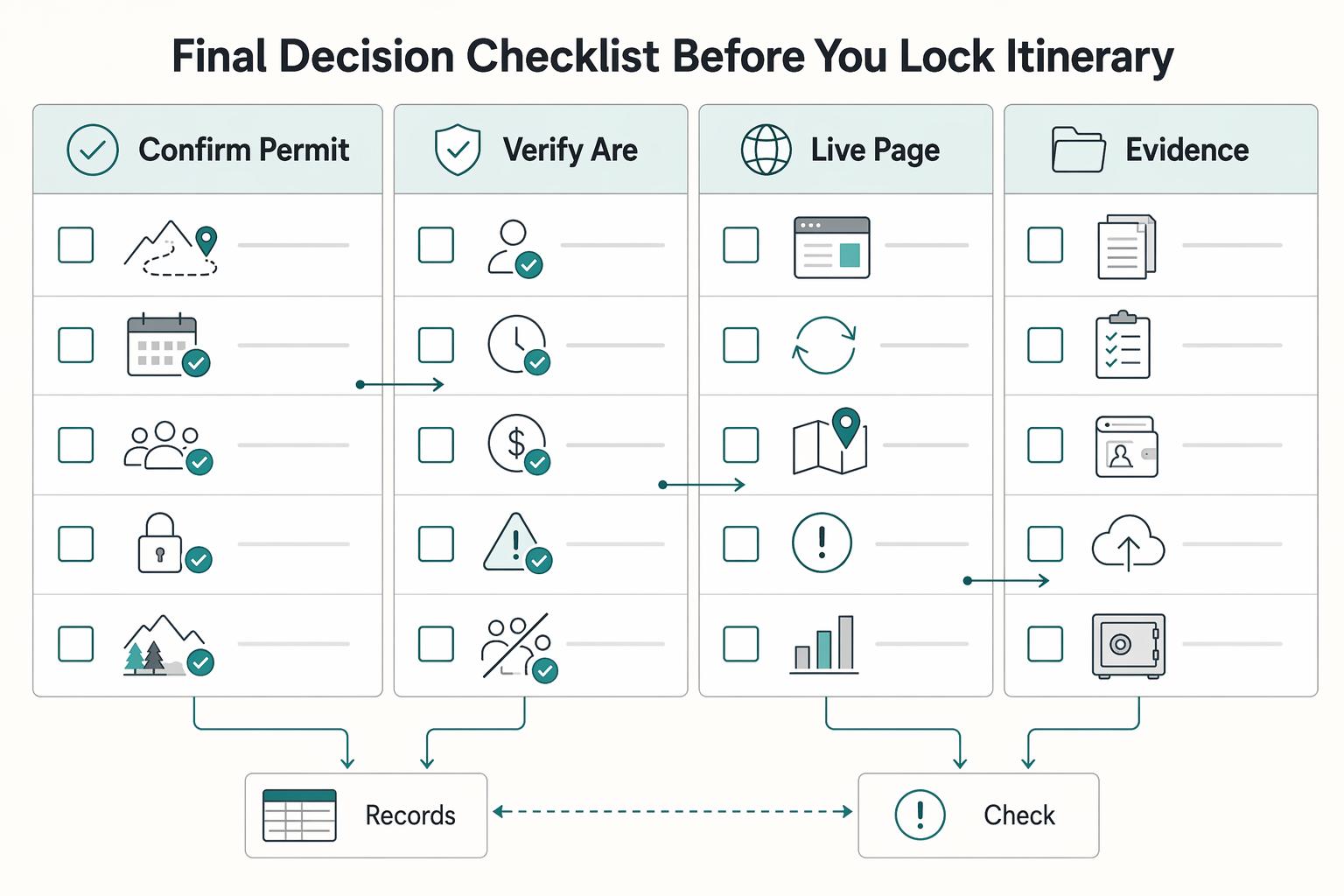
Use this final decision checklist before you lock your itinerary#
Before you book anything nonrefundable, do one final check on the current official page for your exact route and date.
- Confirm the permit class, issuing authority, and submission channel for that specific hike.
- Verify you are using an official .gov page with HTTPS before you submit or pay.
- Re-check the live page right before submission so you are not acting on a stale tab or old instructions.
Before you click submit, prepare your packet in advance instead of using the form as your checklist.
- Confirm dates, trip-leader details, traveler names, and any payment or document requirements listed on the current page.
- Save a proof folder with the rule page screenshot, confirmation screen or receipt, payment record, and confirmation email.
Keep one realistic fallback route or date active until your permit is confirmed, so a miss does not derail the whole trip.
Then run a final rules check before departure. Conditions can change even when your permit is valid. On Rocky Mountain National Park's official NPS page, Stage 2 Fire Restrictions were shown in effect, with a ban effective March 12, 2026 until further notice: campfires (including charcoal briquettes) were not permitted, while petroleum-fueled stoves and grills were allowed. If your plan depends on a campfire, adjust your gear plan or your route before you leave.
Related reading: Backcountry Cooking for Multi-Day Hikes Without Meal Failures.
Frequently Asked Questions
Do I need a permit for most popular hikes, or only specific ones?
Permit rules are hike-, season-, and trip-type specific, so do not assume every well-known trail works the same way. In Yosemite, a wilderness permit is required year-round for backpacking, overnight climbing, or any other overnight stay in the Yosemite Wilderness. A wilderness permit is generally not required for day hikes unless you are hiking to Half Dome. In Grand Canyon, backcountry permits are required for backpacking or camping anywhere in the park.
What is the difference between a day-use permit and a wilderness or backcountry permit?
The short version is access versus overnight stay. Central Cascades lists a distinct “Day Use” permit, and its official page also says overnight permits are not intended for day use, which tells you the permit classes are separate and not interchangeable. If you are sleeping in the backcountry, treat it as a wilderness or backcountry case, not a day-hike case.
How early should I apply if I want a high-demand hike?
Apply as early as the official release window allows, not when your lodging becomes nonrefundable. A concrete example: Central Cascades day-use permits are released daily at 0700 PDT in 10 and 2 day rolling windows, for a season that runs June 15th through October 15th. Your checkpoint is simple: know the release time, have your account ready, and be on the correct page before the window opens.
Should I apply through Recreation.gov, a park office, or a trail association portal?
Use the channel named by the issuing authority for your exact hike. Central Cascades day-use permits and Grand Canyon backcountry permits are handled through Recreation.gov, while Yosemite’s wilderness permit rules are published on official National Park Service pages. If a blog, forum, or old PDF sends you somewhere different, verify the current park or forest page before you submit.
What should I do if I lose a lottery or my first-choice date is sold out?
Move fast and stay inside the official process. First, re-check the current permit page for any next release or cancellation options listed there. Second, switch to your preselected backup date or route instead of burning hours on refreshes. Keep your rejection email, confirmation screen, and timestamps so you can confirm you are following current official instructions.
Can one person apply for my whole group, or does each adult need a separate permit?
Rules on who can apply vary across permit systems, so do not assume one park’s process applies everywhere. The permit page for your route has to answer this, and if it does not, contact the issuing office before you pay for travel. One hard rule we do have here: for a Grand Canyon Backcountry Permit, the applicant must be 18 years or older.
Try a related tool
Researched and edited by the Gruv editorial team. Gruv builds cross-border billing, payouts, and finance-operations software for global businesses.
Sources
- docs.legis.wisconsin.gov/document/statutes/59.pdftrusted
- ecfr.gov/current/title-36/chapter-I/part-7trusted
- federalregister.gov/documents/2025/06/18/2025-11190/proposal-to-...trusted
- fs.usda.gov/r05/inyo/permits/wilderness-permitstrusted
- nps.gov/romo/planyourvisit/permitsandreservations.htmtrusted
- nps.gov/zion/planyourvisit/permitsandreservations.htmtrusted
- parks.ca.gov/pages/795/files/PLANNING%20MILESTONES%20July...trusted
- parks.ca.govtrusted
Educational content only. Not legal, tax, or financial advice.
Related Posts

The Best Travel Backpacks for Digital Nomads
Start by ruling out bad fits, not by chasing a universal winner. If a bag does not match how you move, how you work, or what you can comfortably carry, drop it early. That matters far more than one extra pocket or a slick product page.
Best Nomad Cities for Hiking Without Relocation Surprises
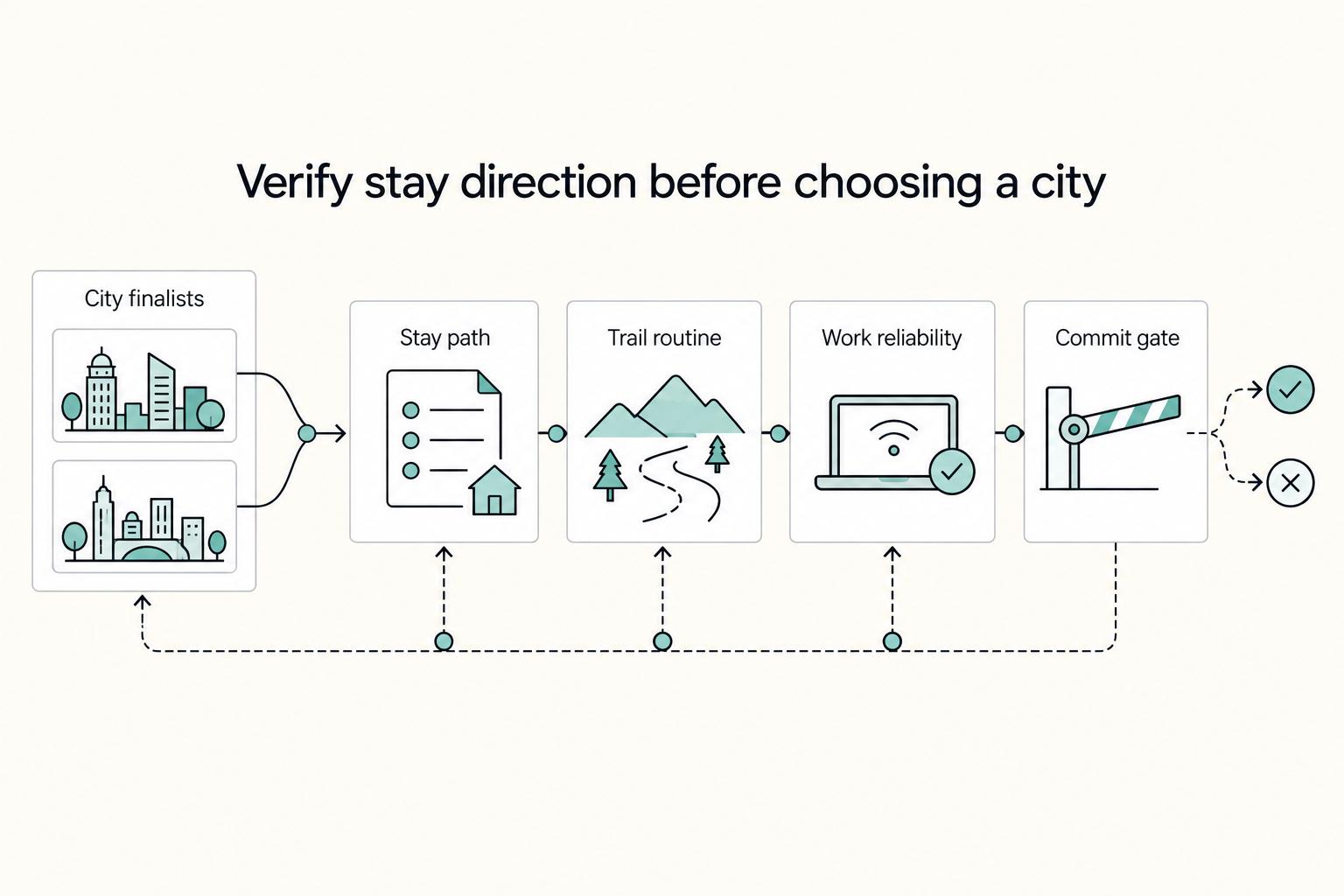
Treat this choice like an operating decision, not a travel mood. The right base is the one where your workweek and your trail routine can both hold without constant exceptions, catch-up days, or admin spillover.
The Best Hiking Trails in the US National Parks
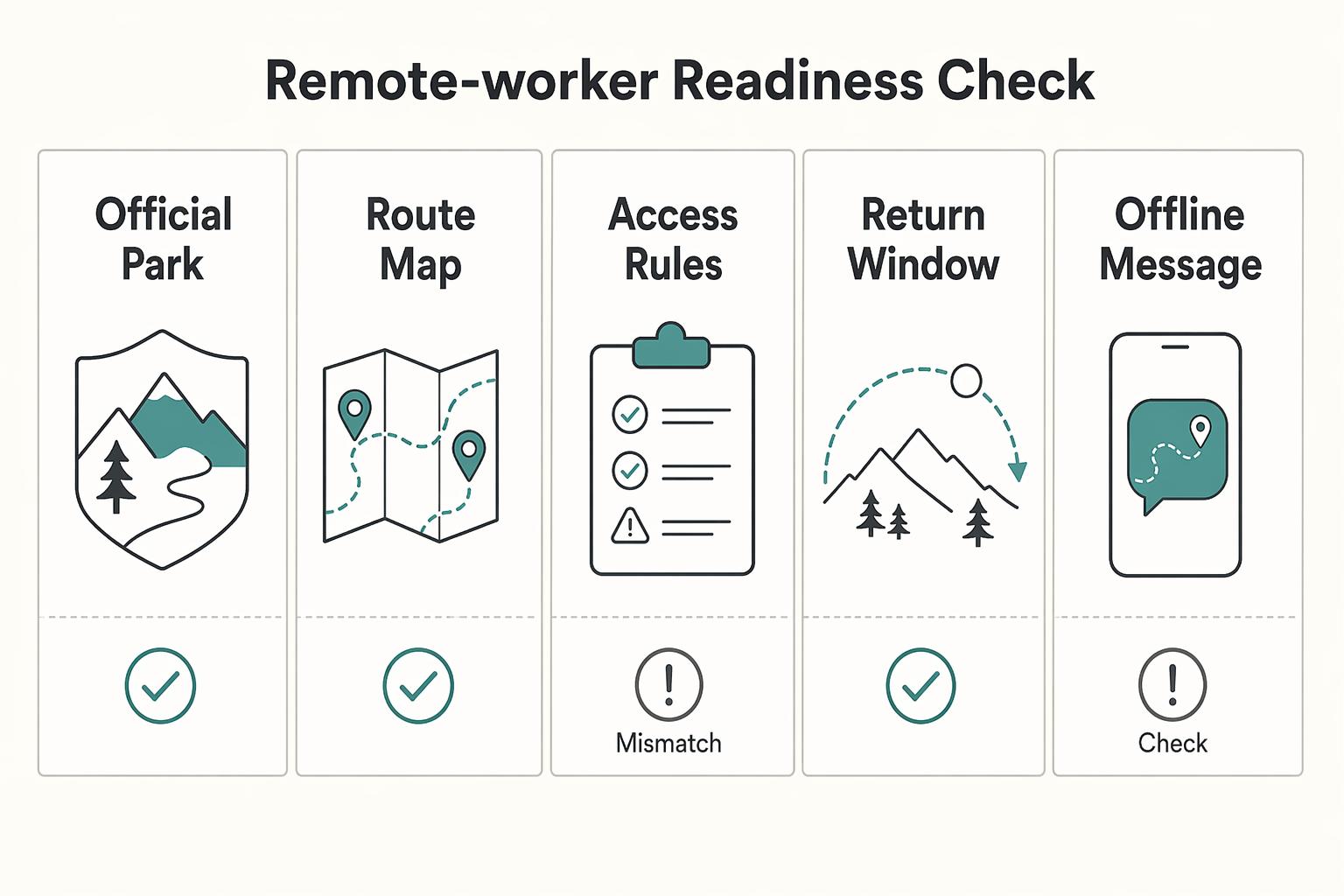
The right pick from the **best hiking trails us national parks** list is the one that fits the job you need it to do. Decide that first, and you can cut most of the noise before you compare routes. Here, "return on time invested" is just a planning lens: what you get back for the hours spent researching, driving, hiking, and recovering. "Jobs-to-be-Done" is a simple way to define what this hike needs to do on this trip.