
Quick Answer
Before accepting an EULA for client work, confirm the permitted use, users and devices, renewal/termination, liability allocation and rights in inputs or outputs. Read linked terms and any negotiated order. Save the applicable version and acceptance record, and resolve material conflicts with client commitments before relying on the tool.
What you are actually agreeing to when you click Agree#
An EULA defines how you may use software. For client work, review the provisions that affect your actual use, data and delivery obligations. A replaceable internal utility needs a lighter review than a platform holding all client files.
An EULA normally licenses software rather than transferring its copyright to you. The licence can define users, devices, permitted uses, transfer and termination. Perpetual software licences and hosted subscriptions have different continuity risks: read the actual grant rather than assuming every purchase means revocable subscription access.
Your first checkpoint is usually Scope of License. If the license is nontransferable and blocks transfer, redistribution, or sublicensing, your real workflow may conflict with the contract before you notice. This is where teams get exposed when they assume "we paid" means "we can use it any way we want."
Under 15 USC 7001, an electronic contract is not denied effect solely because of its electronic form. That does not establish assent or make every clause enforceable. The Ninth Circuit's Berman decision, applying California/New York contract rules, required conspicuous notice and unambiguous assent in the context it reviewed. Governing law, presentation and authority matter.
Common pressure points to review are the license grant, use restrictions, acceptance language, termination, dispute process, and data-handling terms. If rights terminate automatically for noncompliance, even a small breach can turn into an immediate access problem.
| Document | What it controls | What to check first | Why it matters |
|---|---|---|---|
| EULA | Your right to use the software | License scope, transfer limits, restrictions, termination | Determines whether your actual use is permitted |
| Terms of Service | Your broader service relationship | Acceptance method, service rules, dispute process, whether use counts as acceptance | Often controls service use and dispute handling, and may include arbitration |
| Privacy Policy | How personal data is collected, used, retained, and shared | Purposes, retention, sharing, and whether stated practices match reality | Explains data handling and may be separate from contract terms |
For a first pass, identify the governing documents and the features of your workflow they affect. Then read the material clauses before relying on the software for client delivery.
- Identify whether you are agreeing to software-use terms, service-use terms, or data-handling terms
- Find Scope of License and confirm whether transfer, redistribution, or sublicensing is restricted
- Scan termination language, especially automatic termination on breach
- Save the exact version you accepted, including the URL, date, and a PDF or screenshot
You might also find this useful: A Guide to Non-Disclosure Agreements (NDAs) for M&A.
Treat software acceptance as an operating decision#
Treat software acceptance as an operating decision, not a convenience click. If a tool affects client delivery, cash flow, or your reputation, accepting its EULA becomes vendor risk you own.
Use a simple procurement lens before adoption: Is this tool mission-critical, where could risk sit, and how hard is it to switch if access changes? If your project files, invoicing flow, or client communication depends on the tool, clicking through is not enough.
Get the agreement that applies to the product, plan, contracting entity and region. A summary or checkout preview is not a substitute for the operative text. Follow incorporated links, identify any negotiated order/addendum and retain the complete package alongside the acceptance record.
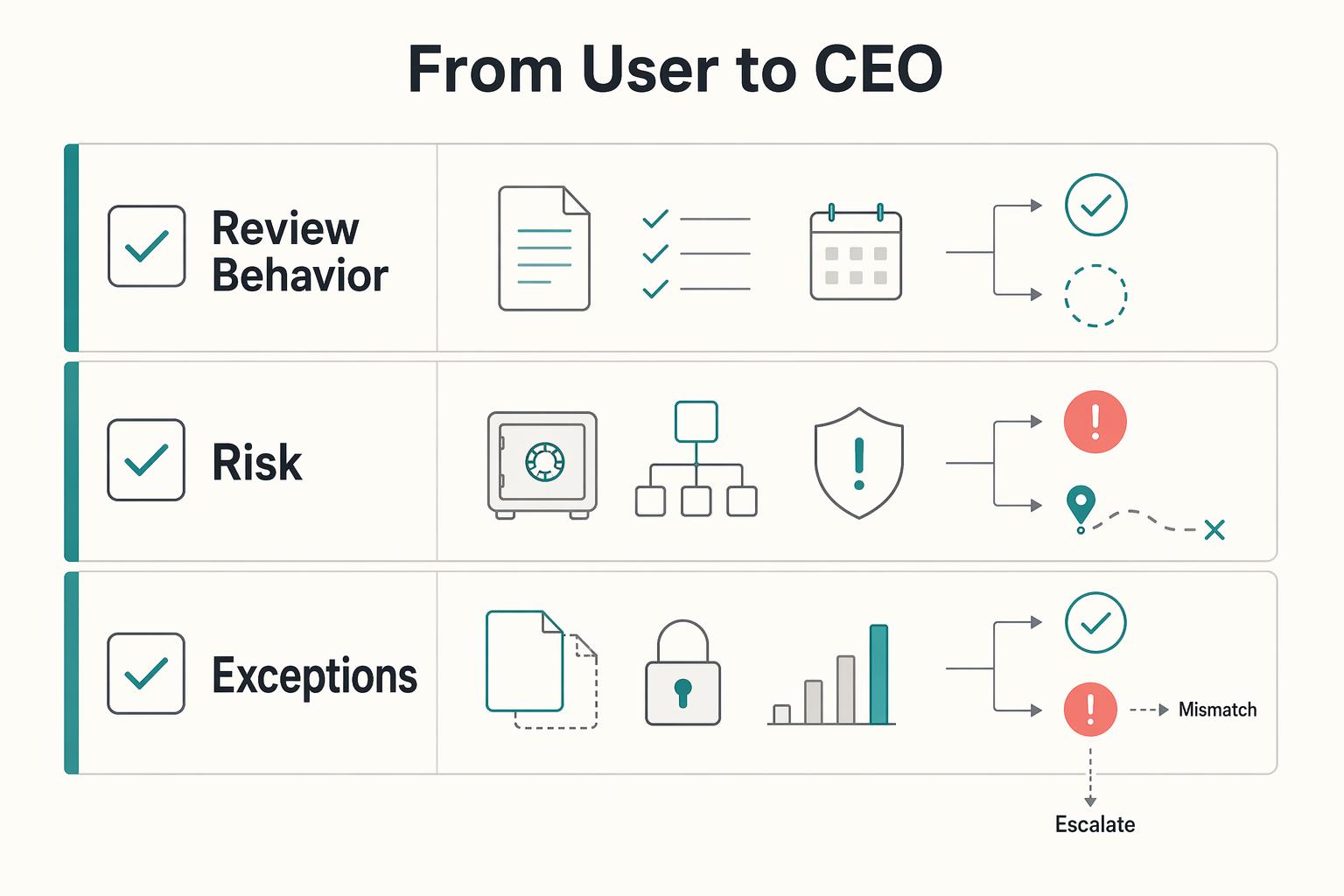
| Lens | Consumer mindset | Operator mindset |
|---|---|---|
| Review behavior | Accepts the in-app flow as-is | Verifies the license text, URL, and saved version |
| Risk ownership | Assumes problems are vendor-side | Treats delivery, billing continuity, and reputation risk as your responsibility |
| Escalation path | Reviews only after disruption | Escalates mission-critical tools before client-facing use |
If the operative terms cannot be obtained, resolve that gap before using the tool for work that depends on the missing rights. Once available, focus review on your actual users, client materials, delivery dependency and likely loss scenarios.
We covered this in detail in How to Structure a Joint Venture Agreement Between Two Freelancers.
Sort each issue into control, liability, or IP risk#
Use the first pass to locate material clauses, then read those clauses and their definitions together. Classify each issue as control, liability or IP, and decide whether to accept it, clarify it, negotiate a change or choose another tool.
Start at the top of the agreement and scan in this order: effective date, definitions, and any clause saying terms are "incorporated by reference." That language can pull in other binding documents, including privacy policies, exhibits, statements of work, commercial documentation, or third-party agreements. In Bitdefender's business terms, the agreement is binding on the earlier of acceptance or the date in commercial documentation.
After that, run these three questions in order:
Control risk: Can the vendor change access or usage in a way that disrupts your work?#
Check termination, revocation, access keys, and update clauses. Red flags can include automatic mandatory updates (where stated) and broad termination scenarios you cannot realistically operate around.
Liability risk: Where could this cost you money if something goes wrong?#
Search for liability limits, excluded losses, indemnities, defense duties and settlement control. Read caps, carve-outs and triggers together. These clauses are common risk-allocation terms; assess their fit with your workflow rather than treating any occurrence as an automatic rejection.
IP risk: Does the license stay limited to software use, or does it reach your material?#
Separate the licence to use the software from rights in inputs, outputs, embedded assets and feedback. A provider may need a licence to process your uploads without acquiring ownership. The scope, purpose and survival of that licence decide whether it fits your client commitments.
| Clause type | Risk category | Decision action |
|---|---|---|
| Missing linked documents or terms incorporated by reference | Control | Escalate |
| Automatic mandatory updates (where stated) or broad termination triggers | Control | Escalate |
| Disclaimer of indirect, incidental, or consequential damages | Liability | Compare covered losses, exclusions and statutory limits |
| One-sided duty to defend, indemnify, and hold harmless | Liability | Review triggers, cap treatment and reciprocal protection; reject if material exposure remains unacceptable |
| License or ownership language that may reach your materials | IP | Assess licence scope and compatibility with client promises |
Before you move on, complete two checkpoints: save the exact URL or PDF you reviewed, and list every linked document that is part of the deal. Do not review one visible page while skipping incorporated terms.
Then keep moving in the same sequence. Step 1 covers operational control and access risk. Step 2 covers money exposure and risk transfer. Step 3 covers ownership, license scope, and IP boundaries. If you want a companion read, this pairs well with our guide on How to Structure an LLC Operating Agreement for a Multi-Member Partnership.
Step 1: The Control Audit (Protecting Your Autonomy)#
Start here if you need to know whether a vendor can interrupt your operations. If the applicable terms make your right to use the product limited and revocable, continuity stays conditional unless the rest of the contract package says otherwise.
Check termination and access continuity#
Confirm the licence term, renewal and cancellation rules in the governing order and product terms. Check notice deadlines and whether a perpetual licence survives the end of support. There is no universal 12-month default for EULAs.
Then verify usage metrics and suspension triggers. If usage is measured by users, data volume, sensors, or similar metrics, confirm what counts as overage and whether access can be suspended until fees are paid. Also confirm update control. If you must install updates and allow vendor updates, decide now whether your workflow can tolerate that dependency.
Check data and content boundaries#
If the available terms do not establish data or content ownership terms or portability rights, treat that gap as a risk signal. Review every clause covering content, data, submissions, feedback, or uploaded materials, plus any linked terms that may expand those rights.
When the language is unclear, ask for a binding clarification or addendum from an authorized representative. An informal support email may help interpret the product, but does not necessarily amend a contract that requires signed changes.
Check term changes and document control#
Identify which person is authorized to accept for your business or client. Clicking as a contractor does not automatically establish actual authority. Terms may require the user to represent that authority, so obtain it before accepting on someone else's behalf.
Then resolve document hierarchy in writing. Some terms reject PO or invoice language, and some separate-agreement clauses can conflict. If you have an MSA, order form, or reseller paper, get explicit confirmation of which document controls on conflict and which legal entity is your counterparty in your geography.
Check privacy handling across borders#
Where the tool processes client personal data, determine the applicable privacy law and the parties' actual roles. A privacy policy describes practices; it does not necessarily provide the controller-processor contract needed for that processing.
For example, ICO guidance requires a binding arrangement meeting Article 28 for covered UK GDPR controller-processor processing. Restricted transfers have separate conditions; not every cross-border use requires the same DPA or safeguard. Match the client authorization, processing instructions, subprocessors and transfer route to the actual data flow. See Privacy policies for SaaS.
| Clause area | Red-flag wording pattern | Acceptable wording pattern |
|---|---|---|
| Term and access | Access is revocable, but no clear term document is identified | A clear term and renewal/termination rule appropriate to the licence model |
| Usage and suspension | Metrics are vague, and suspension rights are broad | Metrics are listed in the order and suspension trigger is explicit |
| Data/content terms | Data/content rights are missing or unclear | Contract language clearly states each party's data/content rights and any use limits |
| Document hierarchy | PO terms are rejected and hierarchy is unclear or conflicting | One clause clearly states which document controls if terms conflict |
| Privacy package | Privacy is referenced, but role allocation and processing terms are unclear | Applicable roles, binding processing terms where required, and documented transfer basis |
Escalate before you commit#
| Decision | Use when |
|---|---|
| Proceed | Term, usage metrics, hierarchy, and privacy documents are easy to find and consistent |
| Request written clarification | Data or content language is unclear, hierarchy conflicts, or cross-border privacy role or processing terms are ambiguous |
| Walk away | You cannot reliably monitor suspension triggers, the vendor will not confirm governing document order, or privacy handling stays too vague for your client obligations |
Step 2: Compare Liability with Your Delivery Risk#
This is the money question: if something goes wrong, can your business absorb the gap the contract leaves behind? EULAs commonly include liability and disclaimer language, and vendors use that language to limit their own exposure.
Check the liability cap against the role the tool plays#
Do not read the liability limit in isolation. Put the clause next to the real loss you would face if the product failed, data became unavailable, or delivery stalled. Use this decision check:
- Copy the liability clause exactly as written.
- Identify the current loss scenario for this tool in your workflow.
- Compare the two side by side.
- Escalate for legal review before acceptance if the limit is unclear, hard to interpret across documents, or far below a realistic incident.
| Software role | Dependency question | Decision signal |
|---|---|---|
| Core system for client delivery | Would work stop if access or functionality failed this week? | Escalate if the cap is far below the loss and no other protection exists |
| Billing, records, or client reporting tool | Would errors create refund, rework, or client dispute risk? | Escalate if the cap would not cover one realistic incident |
| Secondary internal productivity tool | Could you replace it quickly without client impact? | Lower urgency if replacement is easy and losses stay contained |
For an illustrative tool costing $50 per month, a hypothetical cap based on 12 months of fees is $600. If a failure costs $3,000 to recreate client work, the $2,400 difference is a planning exposure, not an automatic recoverable legal loss. Check covered losses, exclusions, carve-outs, mitigation and insurance before deciding whether that gap is acceptable.
Screen indemnity for one-sided risk transfer#
Indemnity language may shift dispute cost to you, so read the defined terms, not just the heading. A broad definition of "Claim" can include claims, demands, suits, or proceedings of many kinds, including threatened or contingent matters. That can widen potential exposure, so use this checklist when you read the clause:
| Review point | What to check | Red flag |
|---|---|---|
| Trigger scope | Whether obligations are narrowly tied to your breach or misuse, or drafted broadly around anything relating to your use, account, data, or activity | Broad triggers around use, account, data, or activity |
| Defined terms | How terms like "Claim" are defined | Definitions that include threatened or contingent matters |
| Defense and settlement | Whether notice, defense control, and settlement conditions are stated clearly | Notice, defense control, or settlement conditions are unclear |
| Boundaries and alignment | Whether the clause states clear boundaries and how those obligations line up with the agreement's liability limits | Boundaries are unclear or the clause does not line up with liability limits |
Read both sides' obligations. Bitdefender's business agreement includes customer indemnity for misuse or third-party-rights violations and vendor IP indemnity with exceptions. That is a concrete reason to inspect reciprocal protections and excluded uses, rather than assuming every indemnity is entirely one-sided.
Treat warranty disclaimers as an operations step#
An as-is disclaimer may limit contractual warranties, but its effect depends on the complete agreement and applicable law. Mandatory rights can remain: UK Consumer Rights Act section 47 prevents specified digital-content rights from being excluded in covered consumer contracts. Purchasing mainly for client business work may fall outside that consumer scope. For operational planning, confirm:
- backup cadence
- export readiness in a usable format
- a replacement option
- internal sign-off from the person who owns delivery risk
Check what action creates acceptance and whether a trial permits production use. Bitdefender's evaluation terms limit testing to a non-production environment for up to 30 days; that is not a general 30-day refund entitlement. Read the actual cancellation/refund policy separately before installing or using a tool under unresolved terms.
For a step-by-step walkthrough, see How to Create a Buy-Sell Agreement for a Partnership.
If vendor terms leave a material exposure, review your client commitments, backup plan and insurance as well as the tool choice. A client-contract template cannot expand your vendor rights or erase an existing obligation. Use the Freelance Contract Generator as a starting point for a scope-specific agreement.
Step 3: The Rights Check (Protecting Your Work)#
Treat this as a rights check before you create client deliverables. If the tool terms are unclear, your ownership position and delivery promises are unclear too. You are not just the software user. You are also creating work, uploading project materials, and handing final outputs to clients.
Read the license like a creator, not just a buyer#
Check the software grant and the separate content provisions against the deliverables you intend to create:
| Rights area | What to confirm | Operational question |
|---|---|---|
| Commercial use rights | Whether the grant and restrictions permit the planned paid client use | Does this match the client materials and delivery rights required? |
| Ownership of uploads and outputs | Separate ownership and usage rights for input files, prompts, generated material and final work | Does this match the client materials and delivery rights required? |
| Provider reuse rights | Whether the provider reserves rights to use, copy, modify, publish, or otherwise reuse your content | Does this match the client materials and delivery rights required? |
| Feedback-use clauses | What licence or assignment applies to feedback, ideas or bug reports | Does this match the client materials and delivery rights required? |
| Derivative or model-generated outputs | Whether rights for derivative work or generated output are defined, limited, or left unclear | Does this match the client materials and delivery rights required? |
The current Supra TRACcess terms retain user input ownership while granting the provider broad use rights; AI outputs are owned by Supra, and feedback rights are assigned. These are distinct clauses, not a generic claim that every EULA takes your work. Save the operative text rather than relying on an old page date, version label or loading screen.
Match vendor rights to what you promise clients#
Match client promises to the rights you actually have. Permission to use a tool is not the same as permission to redistribute its executable, transfer a stock asset or sublicense provider-owned output. Conversely, delivery of your own original work does not automatically require transferring the software licence.
Use this pre-adoption check:
- Does the licence permit the planned paid-client use under its grant and restrictions?
- For software, embedded assets or provider-owned outputs passed to the client, are the needed redistribution or sublicensing rights available?
- Can you deliver final work to the client without platform restrictions that conflict with your contract?
Resolve any material mismatch before using the affected assets or outputs in client delivery. For U.S. copyright, the Copyright Office's AI report distinguishes human-authored material from purely generated content; a contractual output-rights clause alone cannot guarantee copyright protection or exclusivity. Keep your service agreement aligned with the rights you can deliver.
| Tool category | Rights to confirm in the EULA | Term patterns to flag in clause text | Action if unclear |
|---|---|---|---|
| Design assets | Commercial client-use rights in final deliverables | Personal-use-only language, unclear embedded-use limits, reuse restrictions | Do not use for client delivery until confirmed |
| Developer tools | Rights to build and deliver paid client work | Deployment limits, unclear redistribution language, output-use restrictions | Escalate for legal or contract review before release |
| AI-enabled platforms | Rules for uploads, outputs, provider reuse, and generated-content rights | Broad provider licenses, undefined output rights, overbroad feedback-use terms | Pause adoption and review exact clause text |
Make portability an operations check#
Check export permissions and the product's actual output format, completeness and migration path. Supra's current terms allow an input-data request within 30 days after expiry or termination, with CSV and attachments provided within a reasonable time. That request deadline differs from guaranteed immediate access or complete restoration of the app's behavior. Export critical data while access is healthy and budget time to validate the replacement.
Keep a record of the saved terms, acceptance, plan and contracting entity, plus the export test and any signed amendments. A routine text export may omit comments, history, attachments or app logic even when an export function exists.
Run the same three-step check before you accept anything#
Treat each new tool's EULA as a vendor-risk check, not admin cleanup. The goal is practical: protect continuity of access, keep your IP position clear, and avoid unclear liability boundaries before you rely on the tool for client work.
Use the same three-step recap before you accept anything: check control terms, check risk allocation, then check ownership and reuse language. If the wording is unclear, pause and decide before you click.
Capture the applicable version and its linked documents. Current terms govern new acceptance where applicable, while an earlier accepted version may still matter for an existing dispute; do not discard historical evidence merely because the public page changes.
In your next vendor cycle, use this default action checklist:
- Scan the acceptance screen and each linked document
- Classify the issue as access, liability, IP, or mixed
- Decide: accept, ask for written clarification or business terms, or replace the tool
- Document what you reviewed, including text, shown version or date, and portal path or URL, and why you made that decision
A saved review is an internal decision record. It helps show which version, scope and assumptions you relied on, but is not a legal determination of enforceability. Revisit the specific dependency when the contract or planned use changes.
Need the full breakdown? Read A Strategic Consultant's Guide to Structuring a Retainer Agreement.
When you are ready to pair stronger contract hygiene with cross-border payment operations, review Gruv for freelancers.
Frequently Asked Questions
Do you really agree to the terms just by clicking Accept?
A click can establish agreement when applicable law, notice and assent requirements are satisfied. Electronic form alone does not invalidate a contract, but enforceability is not automatic. Confirm authority to accept, read the actual linked terms and save the screen and terms package. Where different account roles have different terms, choose the version that applies.
What red flags should make you stop and review before using the tool for client work?
Review a material mismatch between the licence and your actual work: prohibited client use, users or devices outside the grant, unclear input/output rights, unacceptable suspension exposure or indemnity beyond what you can manage. Ordinary limits are not automatically defects. Resolve the affected use before rollout and apply a lighter review to a replaceable low-impact utility.
Can you negotiate an EULA?
Sometimes. Mass-market checkout usually offers standard terms, while a B2B purchase may allow an order, addendum or negotiated agreement. Ask: “We use this product for client delivery. Which documents control, what rights do we have in our inputs and outputs, and are business amendments available?” If the vendor declines changes, decide whether the existing terms and mitigations fit; refusal alone does not require abandoning an otherwise suitable tool.
What happens if you breach the terms?
The remedy depends on the agreement and law: notice and cure, suspension, termination, damages or indemnity may apply. OneKey MLS, for example, describes role-specific access consequences for failing to complete its EULA process; that is not a universal consequence for every software breach. Preserve the applicable terms and notices, correct the issue where possible and use your continuity/export plan if client delivery is affected.
What should you read first if there is an EULA, terms of service, and privacy policy?
Start with the document tied to the acceptance button. Then read every linked document it incorporates. Labels are not reliable by themselves, so verify each document's actual scope before you use the tool in client work.
Do you need to review the terms again after the first time?
Review relevant changes to terms, plan, role or use, and any required reacceptance. OneKey MLS documents an annual EULA process, but annual re-signing is not a universal software rule. Retain the new version and compare changed obligations with the prior package; keep proof of notice and acceptance as well as review notes.
Try a related tool
Researched and edited by the Gruv editorial team. Gruv builds cross-border billing, payouts, and finance-operations software for global businesses.
Sources
Includes 3 external sources outside the trusted-domain allowlist.
- cdn.ca9.uscourts.gov/datastore/opinions/2022/04/05/20-16900.pdftrusted
- copyright.gov/policy/software/software-full-report.pdftrusted
- copyright.gov/ai/Copyright-and-Artificial-Intelligence-Par...trusted
- govinfo.gov/link/uscode/15/7001trusted
- legislation.gov.uk/ukpga/2015/15/section/47trusted
- bitdefender.com/en-us/site/view/eula-business-solutionsexternal
- buildings.honeywell.com/us/en/brands/our-brands/supra-systems/legal/...external
- helpx.adobe.com/ie/download-install/apps/licensing-activatio...external
Educational content only. Not legal, tax, or financial advice.
Related Posts

Germany Freelance Visa Application Path for Freiberufler and Gewerbe
Choose your track before you collect documents. That first decision determines what your file needs to prove and which label should appear everywhere: `Freiberufler` for liberal-profession services, or `Selbständiger/Gewerbetreibender` for business and trade activity.
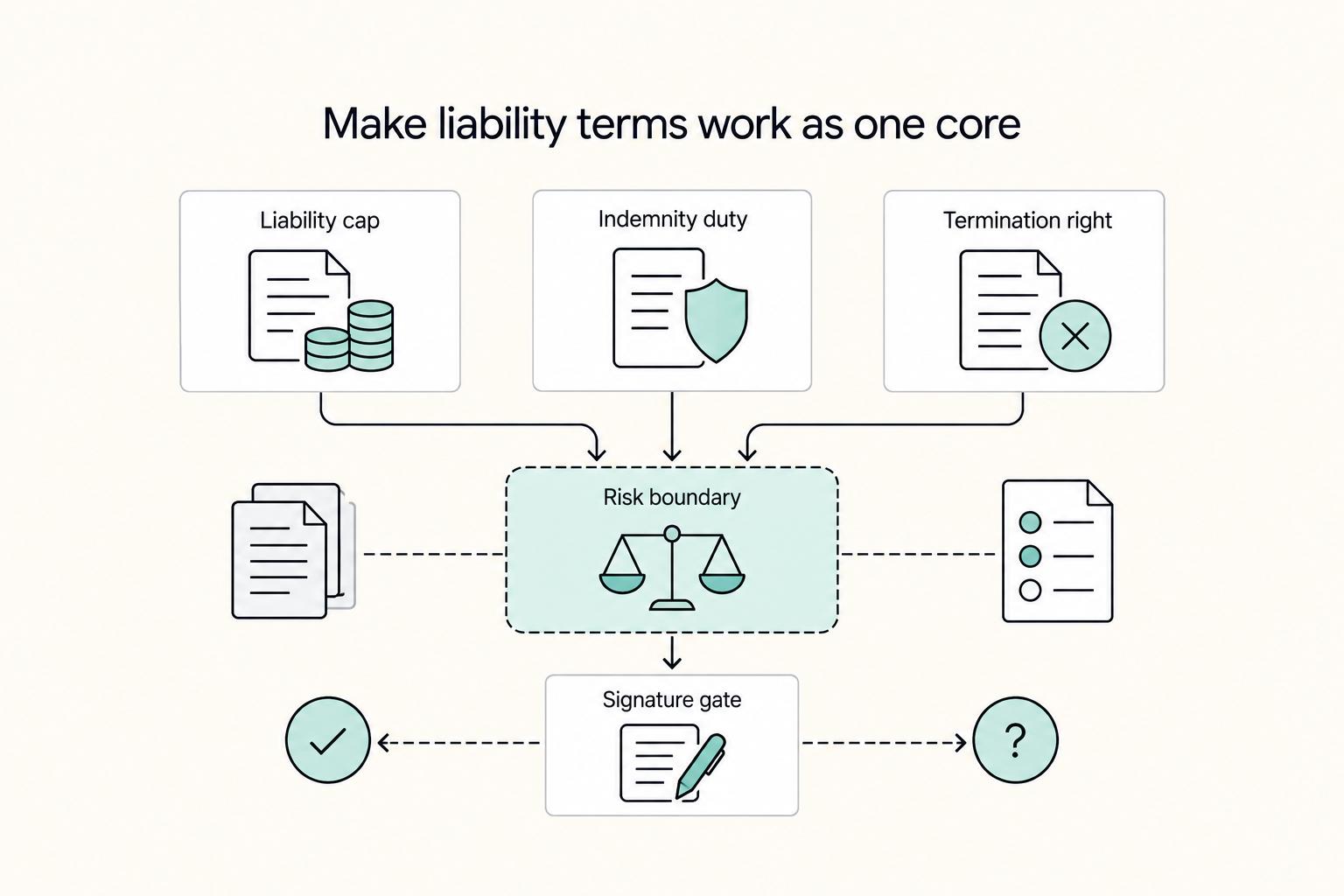
How to Create a Service Agreement for a SaaS Product
A SaaS agreement should define hosted access, commercial limits, payment, support, data responsibilities and what happens when the relationship ends. Make those terms consistent with the actual product and operating capacity.
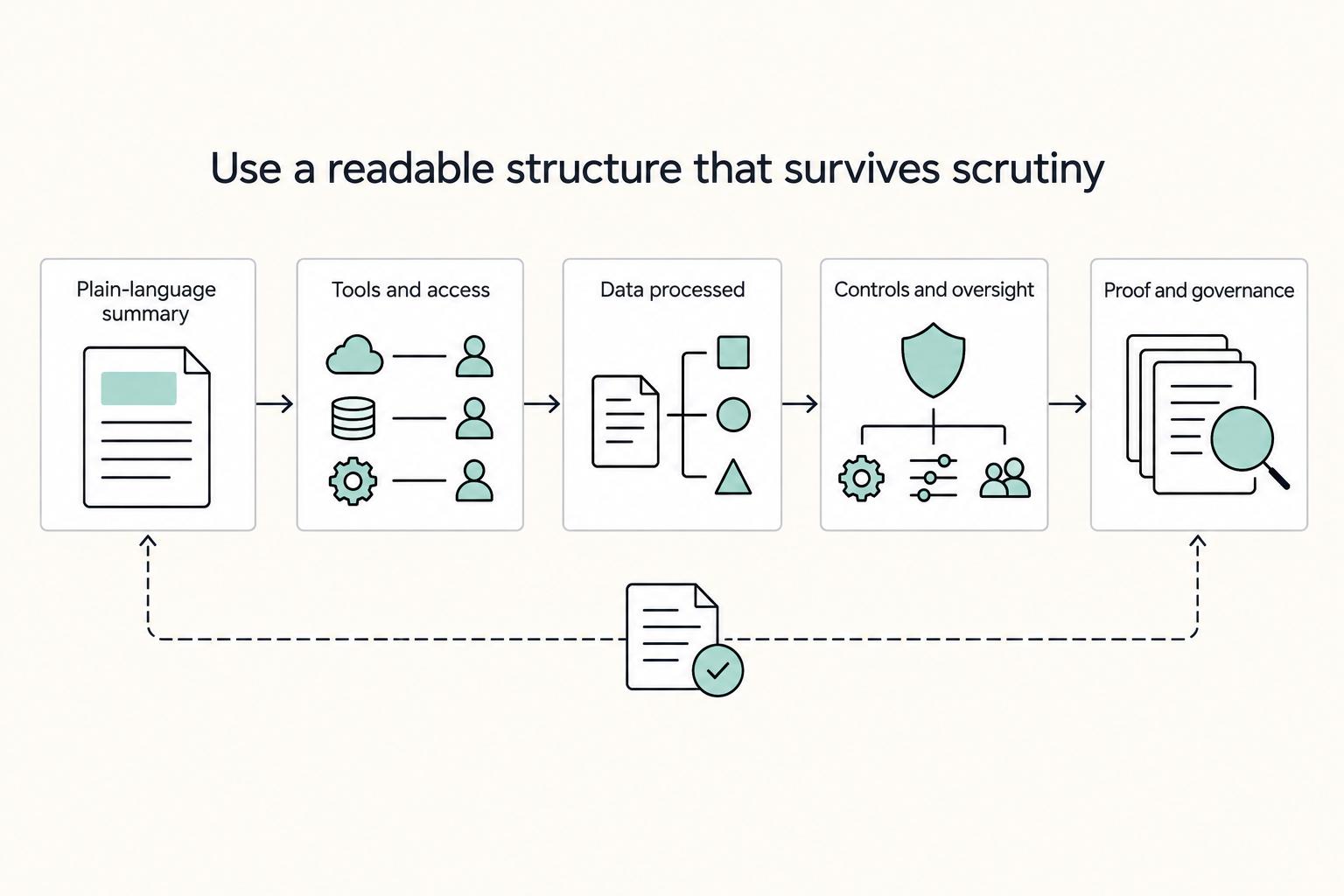
Create a Privacy Policy for SaaS That Matches Real Operations
For the founder of a Business-of-One, the privacy policy often feels like a legal chore, something to check off with a generic template and forget. That is the wrong way to treat it. In SaaS, your policy is one of the first public proofs of how you actually handle customer data.